AWS Monitoring Intro
AWS Tutorial: Intro to AWS Monitoring
Welcome to the AWS Monitoring lesson. Deploying servers and databases is only half the battle; knowing how they are performing and when they might fail is critical to maintaining a healthy application.
Why Learn AWS Monitoring?
If your website suddenly slows down, you need to know why immediately. Is the database out of memory? Is the EC2 instance out of CPU? Understanding monitoring tools allows you to proactively fix issues before your customers even notice them.
Tutorial Overview
In this tutorial, we will cover the core concepts of Cloud Observability:
- Metrics
- Logs
- Alarms
The Three Pillars of Observability
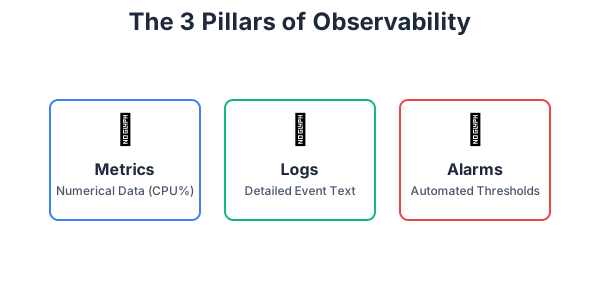
To truly understand what is happening inside your AWS environment, you must monitor three things:
- Metrics: Numerical data measured over time. For example, knowing that your EC2 instance is at 85% CPU utilization, or that your S3 bucket holds 400 GB of data.
- Logs: Detailed text records of events that happen within your system. If your application crashes, the log file will contain the exact error message (e.g., "Error: Database Connection Timeout") explaining why it crashed.
- Alarms: Automated thresholds. You do not have time to watch a dashboard 24/7. Alarms monitor your metrics for you and trigger automated actions (like sending you a text message) if a metric crosses a dangerous threshold.
Exercise
?Which pillar of observability provides detailed text records containing exact error messages from your applications?