AWS Database Migration
AWS Tutorial: AWS Database Migration Service (DMS)
Welcome to the AWS DMS lesson. You have learned about the amazing database options in AWS, but how do you safely move your existing corporate databases into the cloud?
Why Learn AWS DMS?
Cloud migrations are highly lucrative projects. Learning how to use DMS allows you to securely transfer terabytes of data from an on-premises data center to AWS with essentially zero downtime for the application.
Tutorial Overview
In this tutorial, you will learn:
- What AWS Database Migration Service (DMS) does.
- How the Schema Conversion Tool (SCT) works.
What is AWS DMS?
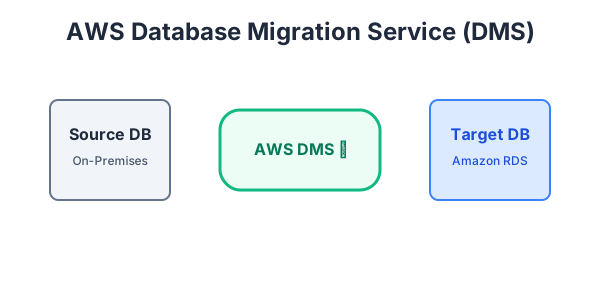
AWS Database Migration Service (DMS) helps you migrate databases to AWS quickly and securely. The source database remains fully operational during the migration, minimizing downtime to applications that rely on the database.
You can migrate data between the same database engines (e.g., Oracle to Oracle), or you can do heterogeneous migrations (e.g., Oracle to Amazon Aurora).
The Schema Conversion Tool (SCT)
If you are moving from one database engine to a totally different one (like Microsoft SQL Server to MySQL), the tables, columns, and logic rules will not match!
Before using DMS to move the raw data, you must use the AWS Schema Conversion Tool (SCT). SCT automatically assesses and converts the source database schema and a majority of the custom code to a format compatible with the target database.
Exercise
?If you want to migrate an on-premises Oracle database to Amazon Aurora (MySQL), which tool must you use first to convert the table structures?