AWS Health Dashboard
AWS Tutorial: AWS Health Dashboard
Welcome to the AWS Health Dashboard lesson. If your website goes down, you need to know immediately: is it a bug in your code, or is an AWS data center experiencing an actual physical outage?
Why Learn About the AWS Health Dashboard?
Knowing where to check for regional AWS outages saves you hours of debugging code that isn't actually broken. It provides authoritative, real-time data on the health of the cloud.
Tutorial Overview
In this tutorial, you will learn the difference between:
- Service Health (Global)
- Your Account Health (Personalized)
Two Views of Health
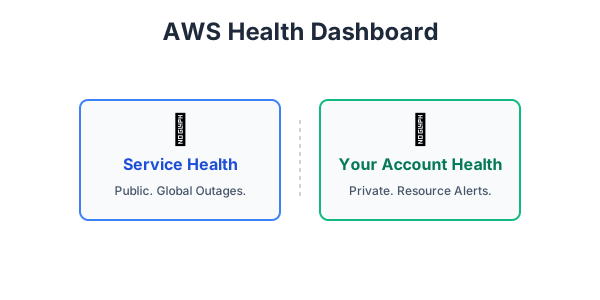
The AWS Health Dashboard provides two distinct perspectives:
- Service Health: This is a public dashboard showing the general status of all AWS services across all regions globally. If there is a massive internet cable cut in the Atlantic affecting the
eu-west-1region, it will be posted here. Anyone can view this page without logging in. - Your Account Health: This is a personalized dashboard inside your AWS account. It shows you events that affect your specific resources. For example, if an underlying piece of hardware running one of your EC2 instances is degrading and requires maintenance, AWS will send a personalized alert here telling you to migrate your instance.
Exercise
?Which view in the AWS Health Dashboard provides personalized alerts regarding scheduled maintenance for your specific EC2 instances?